Sample 01 · Hosted
Sunridge apartment walkthrough
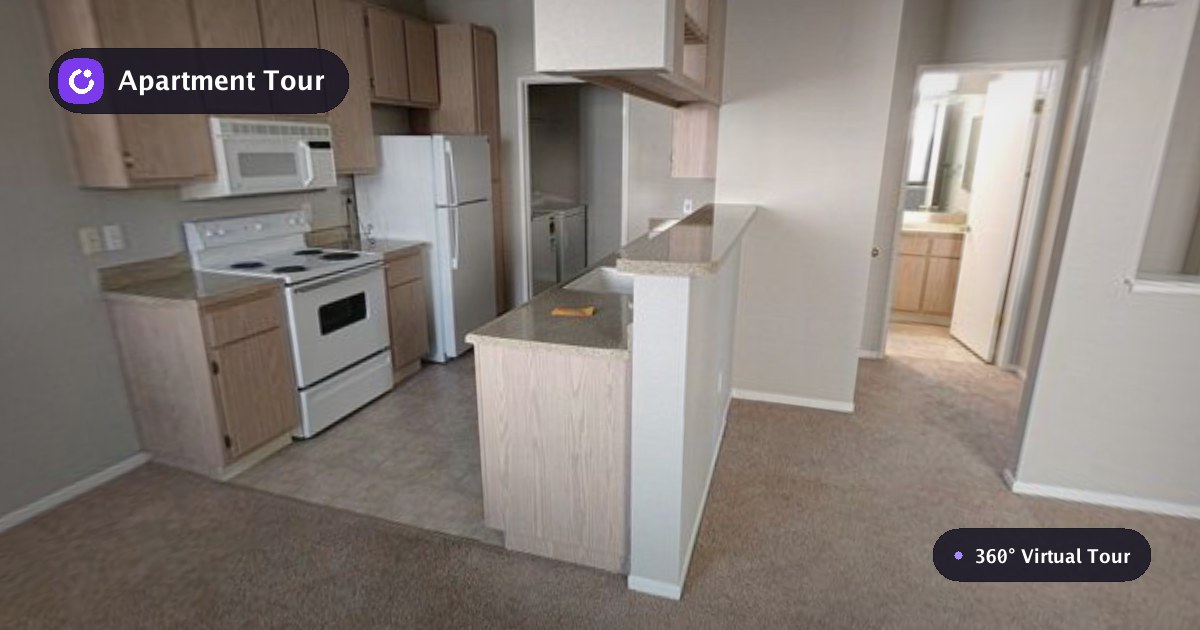
Drag to look around, then use the floor links to move between the entrance, living room, kitchen, hall, balcony, and bedroom.
Sample 02 · 3D rendering
A rendered home clients can explore
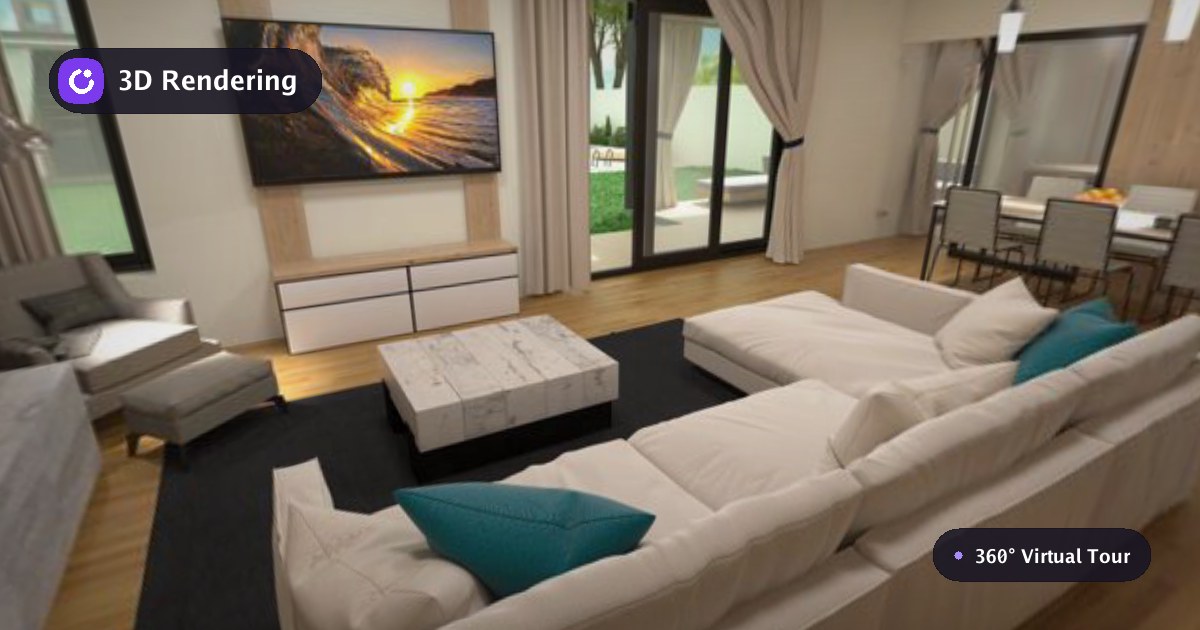
Move through the home or jump between all 25 rendered viewpoints.
Sample 03 · Drone aerial
A drone flight becomes an interactive tour

Move between four linked 8K viewpoints to survey the course from the air.
From hosted to portable
What leaves with you in the ZIP
Export packages the same tour into ordinary static files. Unzip the folder, upload it to any static host, and serve index.html.
- 1
Export
Download the complete tour as one ZIP file.
- 2
Upload
Keep the files together on any static web host.
- 3
Serve
Point a domain at the folder. No API or database is required.
sunridge-tour/
index.htmlThe page visitors openviewer.js + viewer.cssThe complete portable viewermanifest.jsonScenes, links, settings, and brandingassets/Panoramas and their resolution tiers
Independent export sample in progress
We will publish the external proof link after the approved bundle passes a clean-session test.